Storm overflow
Forward busy calls while your office handles the conversations already underway.
Storm season call handling for roofers gives forwarded hail, wind and leak calls a clear intake path. Your receptionist asks what happened, flags urgency and follows your contact rules. Try a storm scenario in the browser demo.
Free trial on request: 14 days, up to 100 minutesPrivacySecurity
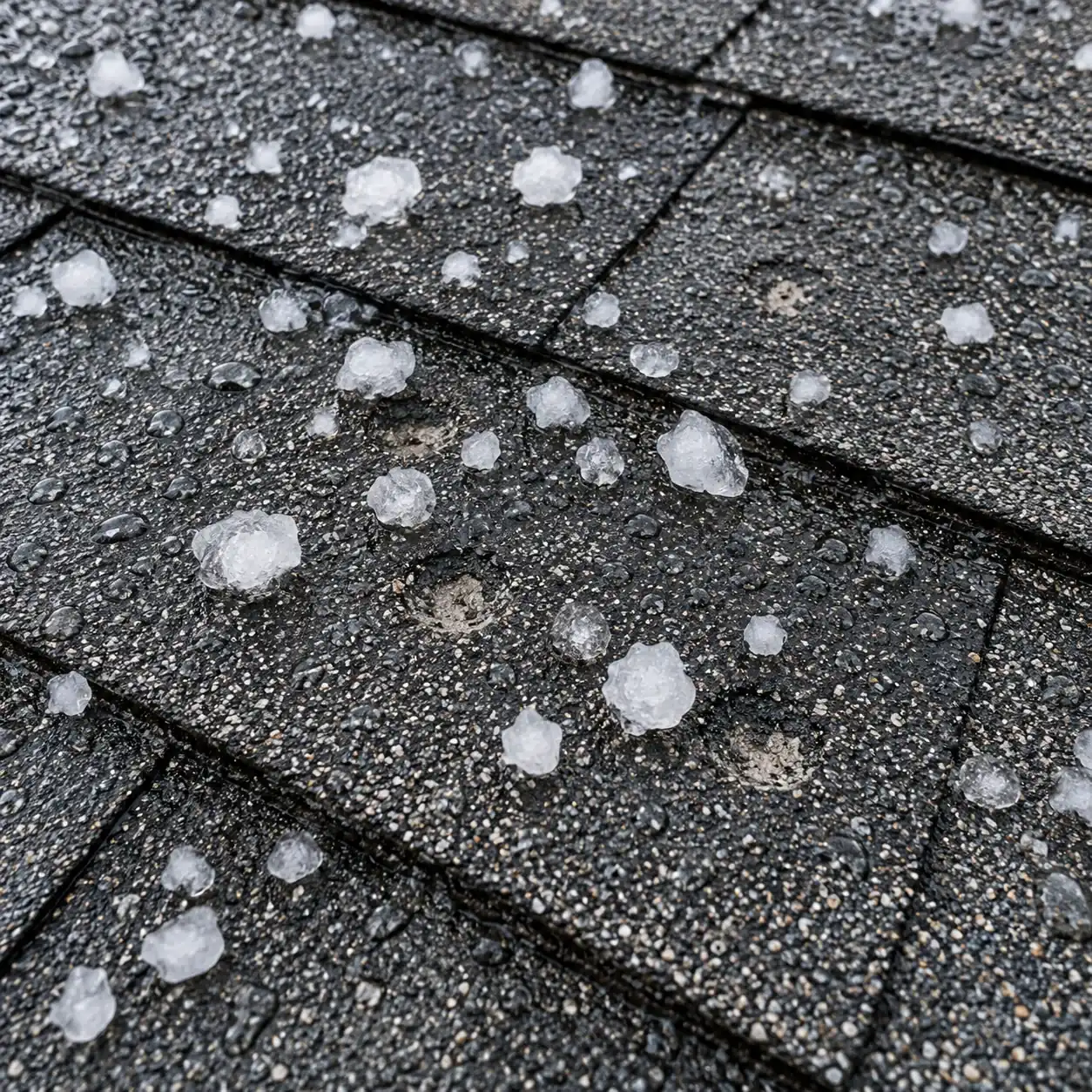
Your receptionist answers storm calls that forward from your business number, including busy and unanswered calls. Active leaks follow your urgency instructions while inspection requests become bookings or messages.
A hail report and water coming through a ceiling need different next steps. Your receptionist asks about the reported problem and follows the urgency rules you give it, so your on-call person receives the calls you have marked for immediate attention.
You choose whether calls forward throughout the day or only when your line is busy, unanswered or outside office hours. That lets your office keep its usual conversations while the receptionist collects storm requests. It records what homeowners describe rather than inspecting or assessing roof damage.
The call starts with virtual-assistant and recording notices, followed by roofing intake. Your receptionist flags urgency, then books an inspection, takes a message or follows your urgent-contact order.
Suppose a homeowner calls during rain and reports water entering a bedroom. Your receptionist collects the roofing concern and uses your definition of urgent to decide the next step. With a warm transfer, your contact hears a short summary and presses 1 to take the call; paging is another option you can set.
If the caller reports a leak near electrical fixtures or wiring, the safety script puts getting clear of danger first and directs them to call 911 if there is danger. The receptionist then alerts you.
You set the service area, urgent-call criteria and order of contacts during onboarding. Change those instructions in plain words when storm coverage or your on-call arrangement changes.
Prepare your storm instructions before forwarding live calls. Include the areas you serve, the services you offer and the person responsible for urgent reports. Explain how an active leak differs from damage that needs an inspection, using the terms your office already uses.
Use the onboarding chat to supply that knowledge, then make a test call to check the routing. When a different person takes storm duty, tell the AI to change the setting. You can review the resulting summaries, transcripts and recordings in the dashboard to check whether your instructions need adjustment.
Your receptionist collects storm reports and routes them; your team decides what the roof needs. It does not negotiate insurance claims, promise coverage or commit your crew to an arrival time.
The receptionist can record that hail struck the property or water is entering a room. Those statements belong to the caller; they are not a diagnosis of roof condition. Give your team the message so the right person can decide what to inspect or discuss next.
An insurance question becomes a routed request rather than advice about coverage or payment. Your receptionist is also not an emergency service. Keep a backup way for your team to be reached, and review storm-call summaries because the AI can make mistakes.
Use the browser demo to compare a hail inspection request with water entering during rain. The fictional roofing business lets you hear the questions and the difference in handling.
Open the storm-call browser demo without signing up and choose a fictional roofing scenario. Start with hail damage without an active leak, then try a rain call with water coming inside. Listen for the disclosure, the intake questions and the next step offered to the homeowner.
The demo uses a fictional business, so your own service area and contact rules come later. You can request a free trial for storm coverage; we'll email your sign-in link when ready for onboarding and a test call before forwarding. That trial will let you check your actual urgent-contact order and the messages your office receives.
You can use the receptionist for storm overflow by forwarding busy or unanswered calls from your existing number. It answers those forwarded calls using your roofing intake and urgency instructions. Set up the contact order before a storm, then test a hail request and an active leak to check what reaches your team.
Your receptionist asks about the reported problem and applies the urgency rules you set. A caller describing water entering now can follow a different route from someone requesting an estimate after hail. It flags the report for your team rather than deciding what damage exists or what repair the property needs.
Yes. Urgent calls can use a warm transfer or a page in the contact order you choose. For a warm transfer, you hear a short account of the problem and press 1 to accept. Configure the order around your storm duty arrangement and test it before relying on live forwarding.
We send an email and app push notification for each call, with a summary, urgency tag, transcript and recording. A daily digest email also collects call activity. Your dashboard holds the call records for review, so the office can check the homeowner's wording before returning a storm-related message.
It takes the homeowner's insurance question and routes it to your team. It does not negotiate claims, interpret coverage or say what an insurer will pay. A useful storm message preserves the reported damage, contact details and question so your business can choose the appropriate person to respond.
Try a fictional hail or leak report in your browser. Request a free trial to test your own urgency rules and on-call contacts; we'll email your sign-in link when ready.